Top 10 Best Flutter Toggle Widgets: Switch, SegmentedButton and M3 (2026)
Top 10 Flutter toggle switch widgets for on/off controls — animated transitions, customization patterns, and GetWidget's GFToggle with code samples.
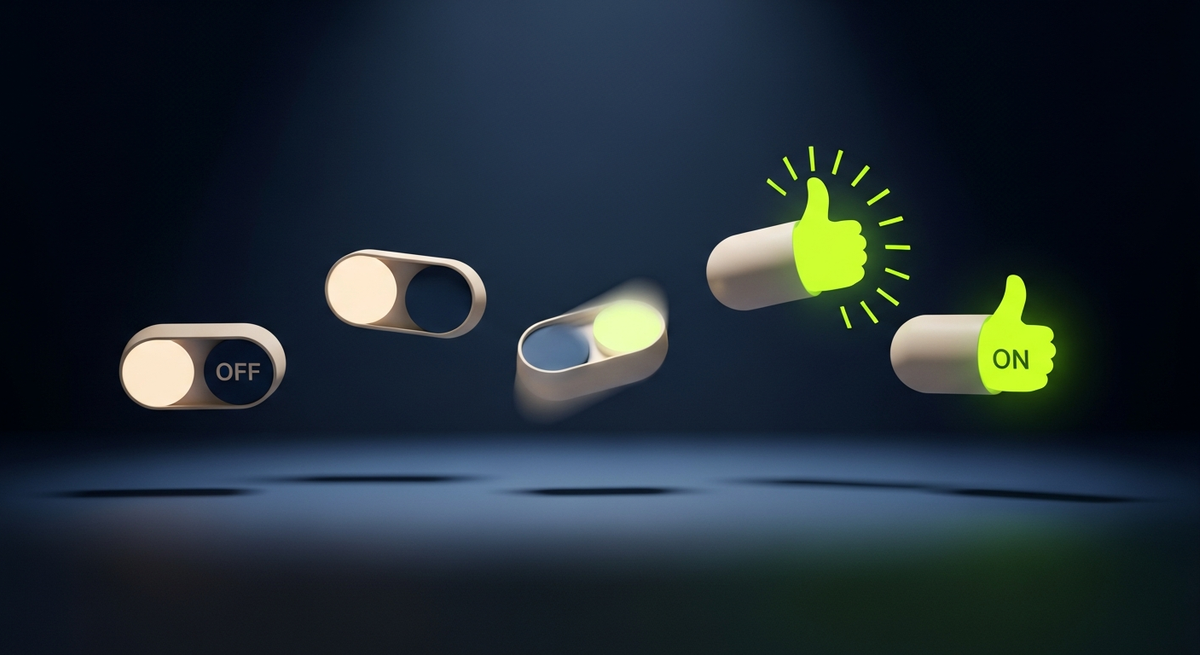
Across the ten industries we ship Flutter in, the toggle is the most over-customized widget in the kit. Every designer wants a custom track-and-thumb. Every Flutter community has shipped a dozen toggle packages. And almost every one of them silently breaks the 48dp tap target rule, the Cupertino-versus-Material adaptive behavior, or the M3 redesign. This guide walks through the flutter toggle widget primitives we actually ship, the M3 SegmentedButton that replaced ToggleButtons on most 2026 builds, the Switch.adaptive pattern that gets iOS parity for free, and the production-grade fixes that most toggle tutorials skip.
Two framing notes. Flutter shipped a full Switch redesign in Material 3 — new track shape, new thumb behavior, new state-driven colors. The visual difference between an M2 Switch and an M3 Switch is the single most obvious change designers spot in any useMaterial3 upgrade. Second: SegmentedButton landed in Flutter 3.10 and quietly replaced ToggleButtons on most new builds. ToggleButtons still works, but if you are picking a multi-button selector today, SegmentedButton is the M3-aligned choice.
When each flutter toggle widget is the right primitive
| Need | Use | Why |
|---|---|---|
| On / off toggle for a setting | Switch (inside SwitchListTile) | Material 3 default, theming via SwitchThemeData |
| Native iOS toggle look | Switch.adaptive | Renders Cupertino on iOS, Material on Android — one widget |
| Pick one option from 2-5 visible choices | SegmentedButton (M3) | Right M3 pattern; multiSelect: false by default |
| Pick multiple options from 2-5 choices | SegmentedButton with multiSelectionEnabled: true | Same widget, multi-select mode |
| Legacy multi-button selector (pre-M3) | ToggleButtons | Still works; SegmentedButton is the M3 replacement |
| Force iOS look on Android (rare) | CupertinoSwitch | Use only when design demands iOS look on every platform |
| Animated icon-style toggle (theme picker, view-mode switcher) | AnimatedToggleSwitch package | Custom track with animated icons; for accent surfaces |
Top 10 best flutter toggle widgets we ship in production
1. Switch (built-in): the M3 default
Built-in Switch with a SwitchThemeData is the highest-impact toggle pattern in this list. Under M3 the widget ships a redesigned track-and-thumb with state-driven colors via WidgetStateColor. The one rule we enforce in code review: if a row has a bare Switch instead of SwitchListTile, justify in the PR why the row should not be the tap target. Most of the time, the answer is 'no reason' and the reviewer requests the swap.
2. Switch.adaptive: native look on every platform with one widget
Switch.adaptive renders a Cupertino switch on iOS and macOS, Material on Android, Linux, and Windows. For apps where iOS users expect the native iOS toggle visual (settings rows, especially), this is the right widget. The one trade-off: theming via WidgetStateColor maps to both, but some properties (like the track outline) are Material-only and have no effect on the Cupertino side.
3. SegmentedButton: the M3 replacement for ToggleButtons
SegmentedButton landed in Flutter 3.10 and is the right widget for any 2-to-5 visible-option picker. It supports both single-select (default) and multi-select via multiSelectionEnabled. The widget renders M3 styling out of the box, including the checked-state filled icon. We use it for filter chips that need to look like buttons, content-mode pickers (list vs grid view), and any view-type toggle where 2-5 options is the right count.
enum ViewMode { list, grid, map }

SegmentedButton<ViewMode>(
  segments: const [
    ButtonSegment(value: ViewMode.list, icon: Icon(Icons.list), label: Text('List')),
    ButtonSegment(value: ViewMode.grid, icon: Icon(Icons.grid_view), label: Text('Grid')),
    ButtonSegment(value: ViewMode.map, icon: Icon(Icons.map), label: Text('Map')),
  ],
  selected: {state.viewMode},
  onSelectionChanged: (sel) => state.setView(sel.first),
  // multiSelectionEnabled: false (default)
  // showSelectedIcon: true (default — checkmark on selected)
);
4. SwitchListTile: the right row primitive for settings
SwitchListTile combines a Switch with a ListTile-shaped row. Same argument as CheckboxListTile and RadioListTile: the entire row becomes the tap target, not just the 36dp switch. Use it for every notification preference, dark-mode toggle, and feature flag in a settings screen. SwitchListTile.adaptive exists but exposes fewer adaptive props than the standalone Switch.adaptive — for adaptive settings rows we wrap a plain ListTile with a Switch.adaptive trailing.
5. ToggleButtons (legacy): still valid, but SegmentedButton wins on new builds
ToggleButtons is the pre-M3 multi-button selector. It still works and you do not need to migrate an existing screen until you are flipping useMaterial3 anyway. For new code, SegmentedButton is the M3-aligned answer. The one case where ToggleButtons still wins: when you need the buttons to be different widths (SegmentedButton enforces equal widths).
6. CupertinoSwitch: when iOS look is required on every platform
CupertinoSwitch ships the iOS toggle visual on every platform. Use it only when design specifically requires the iOS look on Android as well — rare for native-feeling apps, common for apps that want a consistent brand look across platforms. The accessibility behavior is the same as Switch; the difference is purely visual.
7. GFToggle (GetWidget): themed default for apps already on GetWidget
GFToggle is part of the open-source GetWidget UI Kit we maintain (4,811 stars, 23K monthly pub.dev downloads). It exposes type presets (square, round, custom), size presets, and built-in on/off label slots that the standard Switch does not provide. Use it when you are already on GetWidget elsewhere, or when the design needs explicit ON/OFF text labels.
8. animated_toggle_switch: for accent toggle moments (theme picker)
The animated_toggle_switch package gives you a custom track with animated icons sliding between positions. Use it sparingly — for the theme picker in settings, a Light vs Dark vs System chooser, or a featured filter chip on a landing screen. Do not use it as the default toggle on every settings row; the animation is delightful in moderation and exhausting at scale.
9. Custom AnimatedContainer toggle: when nothing built-in fits
Some designs require a toggle the framework cannot model: a wide track with three positions, a gradient thumb, a checkbox-shaped toggle. Build a custom AnimatedContainer with an AnimatedAlign for the thumb, an InkWell for the tap, and a Semantics wrap to declare button: true and toggled: state. Forty lines of code, full control. The trap to avoid: forgetting Semantics.toggled — without it the screen reader has no idea this is a switch.
10. Checkbox as a toggle alternative: when boolean shape matters
Some product categories (legal acceptance, multi-select with toggle behavior) read more naturally as a checkbox than a switch. The visual cue 'this is a discrete choice that requires confirmation' is checkbox; 'this is a setting you flip on or off' is switch. Pick by semantic meaning, not by visual taste.
Material 3 changes to the flutter toggle widget that catch teams
Flipping useMaterial3: true changes Switch visibly in five ways. First, the track shape is now a pill with a 16dp radius (was rounded rectangle in M2). Second, the thumb shrinks slightly off-state and grows in on-state — a deliberate physics cue that makes the toggle feel weighted. Third, the track outline appears in off-state to improve contrast. Fourth, the checked-state fill uses ColorScheme.primary by default. Fifth, the new SwitchThemeData accepts WidgetStateProperty for every color, replacing the M2 four-property override pattern. SegmentedButton is M3-only — under M2 it falls back to a generic Material button row.
ThemeData(
  useMaterial3: true,
  switchTheme: SwitchThemeData(
    trackColor: WidgetStateProperty.resolveWith((s) =>
      s.contains(WidgetState.selected) ? Colors.deepPurple : Colors.grey.shade300),
    thumbColor: WidgetStateProperty.resolveWith((s) =>
      s.contains(WidgetState.selected) ? Colors.white : Colors.grey.shade600),
    trackOutlineColor: WidgetStateProperty.all(Colors.transparent),
  ),
);
Performance: when toggles in lists become the framerate problem
On screens with many toggles in a list (feature-flag pickers, batch-select multiselect lists, settings pages with 30-plus rows) the rebuild cost can become the framerate bottleneck. Three rules we enforce. Use ListView.builder for any list with more than 20 toggle rows. Hoist toggle state into a single ValueNotifier so per-row taps do not rebuild the whole list. const-ify any static text inside SwitchListTile.title so identical widgets survive across rebuilds. The combination takes a 300-row feature-flag picker from 38fps to 60fps on a mid-range Android device.
The animated_toggle_switch package and other custom-track widgets ship their own AnimationController per instance. Putting 50 of them on one screen runs 50 controllers in parallel — measurable framerate dip on Android devices below 6GB of RAM. Reserve animated toggles for accent moments, not for every settings row. Where the design calls for many toggles with character, a better pattern is a static rest state with a one-shot AnimationController triggered on tap rather than a long-running animation per row.
Migrating from M2 ToggleButtons to M3 SegmentedButton
| M2 pattern | M3 replacement | Notes |
|---|---|---|
| ToggleButtons with isSelected list | SegmentedButton with selected Set | M3 uses a Set, not an indexed list; safer on insert and reorder |
| Custom track style on Switch via Container wrapper | SwitchThemeData with WidgetStateProperty | Single source of truth; survives theme switches |
| Manual Cupertino vs Material check with Platform.isIOS | Switch.adaptive | Framework handles the platform branching |
| Toggle with separate label Text widget | SwitchListTile with title | Whole row becomes the tap target; a11y improves |
| Three-value toggle via ToggleButtons (forced) | SegmentedButton with multiSelectionEnabled if all three apply, else native enum | Better data model in either case |
Accessibility: what Switch gives you and what it doesn't
| Gap | Symptom | Fix |
|---|---|---|
| Bare Switch loses row tap-target | Screen reader announces only the 36dp switch as tappable | Wrap in SwitchListTile or a parent Semantics with the full row |
| Custom toggle missing Semantics.toggled | Screen reader does not announce 'switch on' or 'switch off' | Wrap in Semantics with toggled: state and button: true |
| Disabled toggle visually faded but still focusable | Keyboard nav stops on an unusable control | Pass onChanged: null; framework handles focus exclusion |
| No label or hint on icon-only SegmentedButton | Screen reader reads 'button' with no context | Always pass label or tooltip on every ButtonSegment |
The five flutter toggle widget bugs we see in code review
| Bug | Symptom | Fix |
|---|---|---|
| Switch nested inside a Row with onTap on parent | Two interactive Semantics; screen reader confused | Use SwitchListTile or hoist Switch into a single tap area |
| Custom toggle without Semantics.toggled | Screen reader reads 'button' instead of 'switch on' | Always wrap custom toggles in Semantics with toggled: state |
| SegmentedButton with one option | Looks like a disabled chip | Use a chip or Checkbox; SegmentedButton needs 2-plus segments |
| ToggleButtons inside a Row without constraints | Buttons overflow horizontally on narrow screens | Wrap in SingleChildScrollView with scrollDirection: Axis.horizontal |
| Switch.adaptive with Material-only theme props | iOS still uses default colors despite SwitchThemeData | Pass platform-specific styling via Cupertino theme; Material props do not propagate |
For the SwitchListTile / CheckboxListTile / RadioListTile row patterns that combine toggles with the ListTile contract, see our guide to flutter list tile widgets. For how toggles fit into a production Flutter app (state plus a11y and CI/CD coverage) our Flutter mobile app development field guide covers the practices we apply on every build.
Common questions about the flutter toggle widget
What is the best flutter toggle widget for most apps?
Built-in Switch inside SwitchListTile, with a SwitchThemeData configured at the app level. Whole row is the tap target, M3 visual defaults apply, accessibility works out of the box, and the toggle inherits the app's color scheme. Most settings screens, notification preferences, and feature-flag toggles want this combination.
What is Switch.adaptive in Flutter?
Switch.adaptive renders a Cupertino switch on iOS and macOS, and the standard Material Switch on Android, Linux, and Windows. Use it any time you want iOS users to see the native iOS toggle visual without writing platform checks. The trade-off: SwitchThemeData props that are Material-specific (track outline, for example) do not propagate to the Cupertino side.
Should I use ToggleButtons or SegmentedButton in 2026?
SegmentedButton on new code. It is the M3-aligned widget for 2-to-5 option pickers and shipped in Flutter 3.10. ToggleButtons still works for legacy screens, and it remains useful when buttons need different widths (SegmentedButton enforces equal widths). For everything else, pick SegmentedButton.
What changed in Material 3 for the Switch?
Five things. The track is now a pill with a 16dp radius, the thumb scales between off and on states, the track outline appears in off-state for better contrast, the checked-state uses ColorScheme.primary by default, and SwitchThemeData accepts WidgetStateProperty for every color. Designers spot the M3 Switch immediately; it looks substantially different from M2.
How do I make a custom Flutter toggle?
AnimatedContainer for the track, AnimatedAlign for the thumb, InkWell for the tap, and Semantics with toggled and button flags for accessibility. About 40 lines of code total. The trap to avoid: skipping the Semantics wrap, which leaves the toggle invisible to screen readers.
When should I use CupertinoSwitch?
Rarely. Switch.adaptive covers most 'iOS look on iOS' use cases without forcing the Cupertino visual on Android. Use CupertinoSwitch only when design specifically wants the iOS visual on every platform — a Cupertino-style brand on a multi-platform app, for example.
What is the difference between Switch and SwitchListTile?
Switch is the toggle control alone (36dp tap target, just the track and thumb). SwitchListTile combines Switch with a ListTile row, making the whole row tappable (typically 56dp or 72dp tap target) and adding a title, optional subtitle, and an optional secondary widget. For settings rows always use SwitchListTile; for the standalone control on an AppBar or inside a custom layout, Switch alone is correct.
How do I get an accessible custom toggle in Flutter?
Wrap your custom toggle widget in Semantics(toggled: state, button: true, label: 'Notifications switch'). The toggled flag tells screen readers this is a binary control and announces 'on' or 'off' on state change. The button flag tells assistive tech this is interactive. The label provides the context the visual design would have given a sighted user.

Top 10 Best Flutter List Tile Widgets: Patterns, Variants and M3 Migration (2026)
Top 10 Flutter ListTile widgets for clean rows with leading and trailing icons, titles, and subtitles — with code examples and GetWidget's GFListTile.
Flutter CheckboxListTile: Tristate, FormField Integration and M3 (2026)
The flutter checkboxlisttile patterns we ship in production: tristate select-all, FormField + validator integration, controlAffinity rules, Material 3 defaults that shifted, plus the five CheckboxListTile bugs we catch in code review.
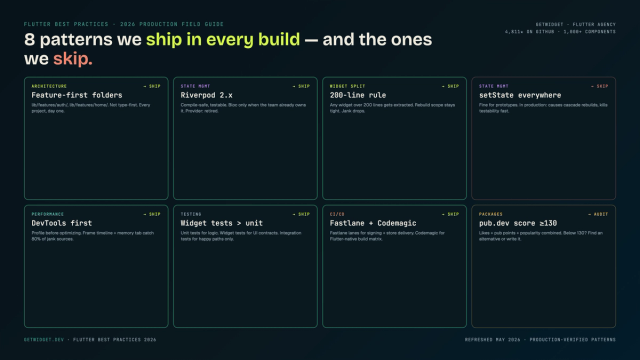
Flutter Mobile App Development: A 2026 Production Field Guide
How we structure Flutter projects at GetWidget in 2026: feature-first layout, Riverpod defaults, Dart 3 records and sealed classes, Material 3 theming, the 200-line widget rule, performance diagnosis, CI/CD pipelines, and the production pitfalls that bite teams after launch.
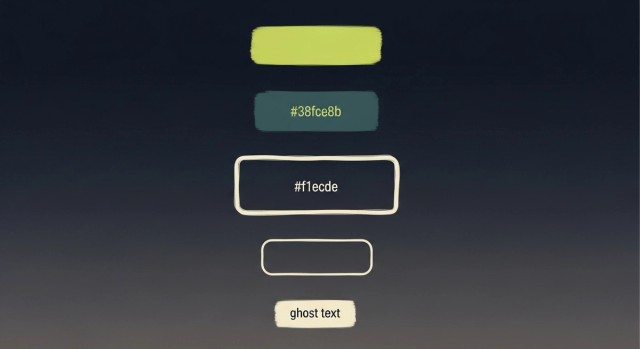
How to Design Custom Flutter Buttons in 2026: A Practitioner Guide to All 5 M3 Button Widgets
Flutter button widgets in 2026: the five Material 3 button classes (Filled, FilledTonal, Elevated, Outlined, Text), ButtonStyle deep-dive, GFButton when M3 isn't enough, FAB and IconButton patterns, M2 migration map, plus the accessibility and performance bars no tutorial covers.